
Learn how to start ZENONIA 1 on PC with verified notes on controls, classes, saving, equipment, hunger, weight, stats, and the 2026 release.
How to start in three steps
Install the Windows release from Steam, choose Warrior, Paladin, or Assassin, and use the opening area to learn movement, attacks, equipment, and saving. The restored release supports keyboard and controller input, while class statistics and gear can be customized. Exact menu button labels vary by input method, so follow the prompts shown by your current device rather than an old mobile guide.
First, decide what kind of starting identity you want. Steam describes Warrior as balanced and resilient, Paladin as defensive and reliable, and Assassin as fast and lethal. Those are official positioning statements, not a promise that one option will always be easier or stronger, so the class comparison is the right next stop if you are undecided.
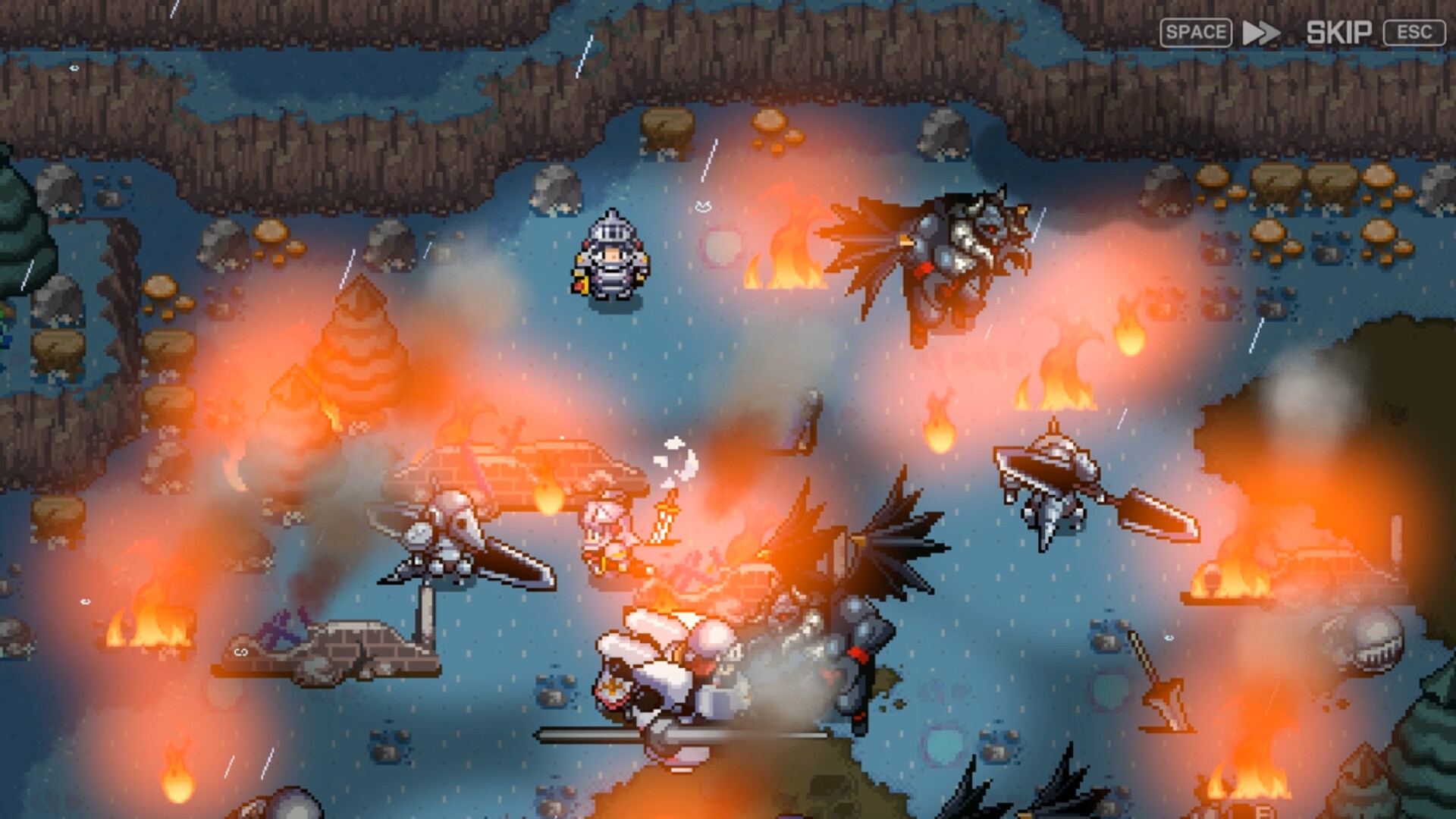
Step 1 visual reference: the three-class selection screen. Image source: official ZENONIA 1 Steam media, localized September 6, 2026.
Second, pause when the game introduces a new system. Check the equipment comparison before replacing an item, notice the hunger and carrying-weight information, and use the available save function before committing to a long route. The developers specifically said they refined control guidance, UI readability, equipment comparison, shop controls, and quick save for this PC restoration.
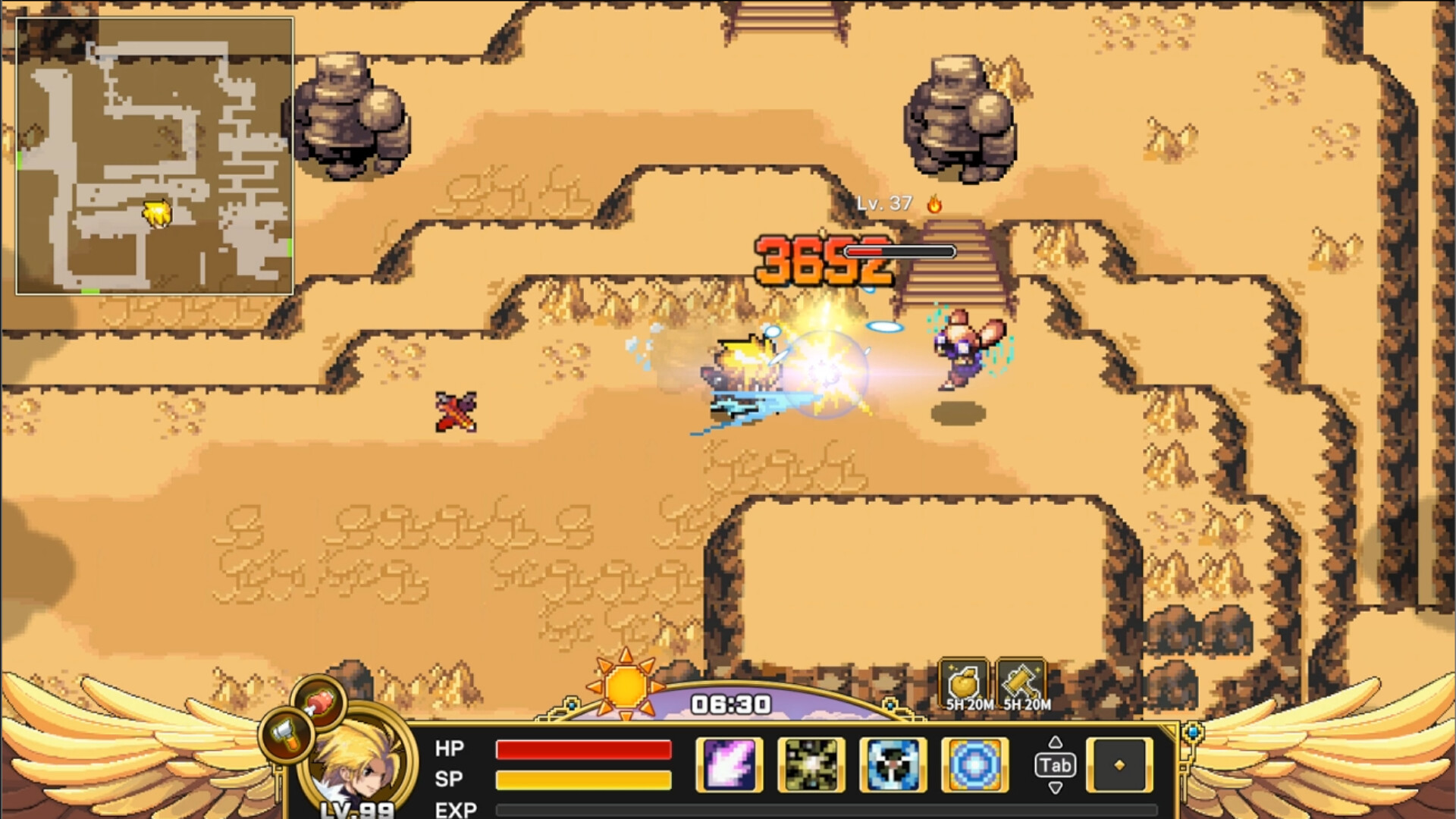
Step 2 visual reference: the inventory and equipment interface where item information is reviewed. Image source: official ZENONIA 1 Steam media, localized September 6, 2026.
Third, treat your first character as a learning run rather than copying an unverified numeric build. The official store confirms that stats and gear are customizable, but it does not publish a complete best-stat formula. This guide therefore explains what is confirmed and marks exact allocations as pending instead of borrowing values from a different ZENONIA release.
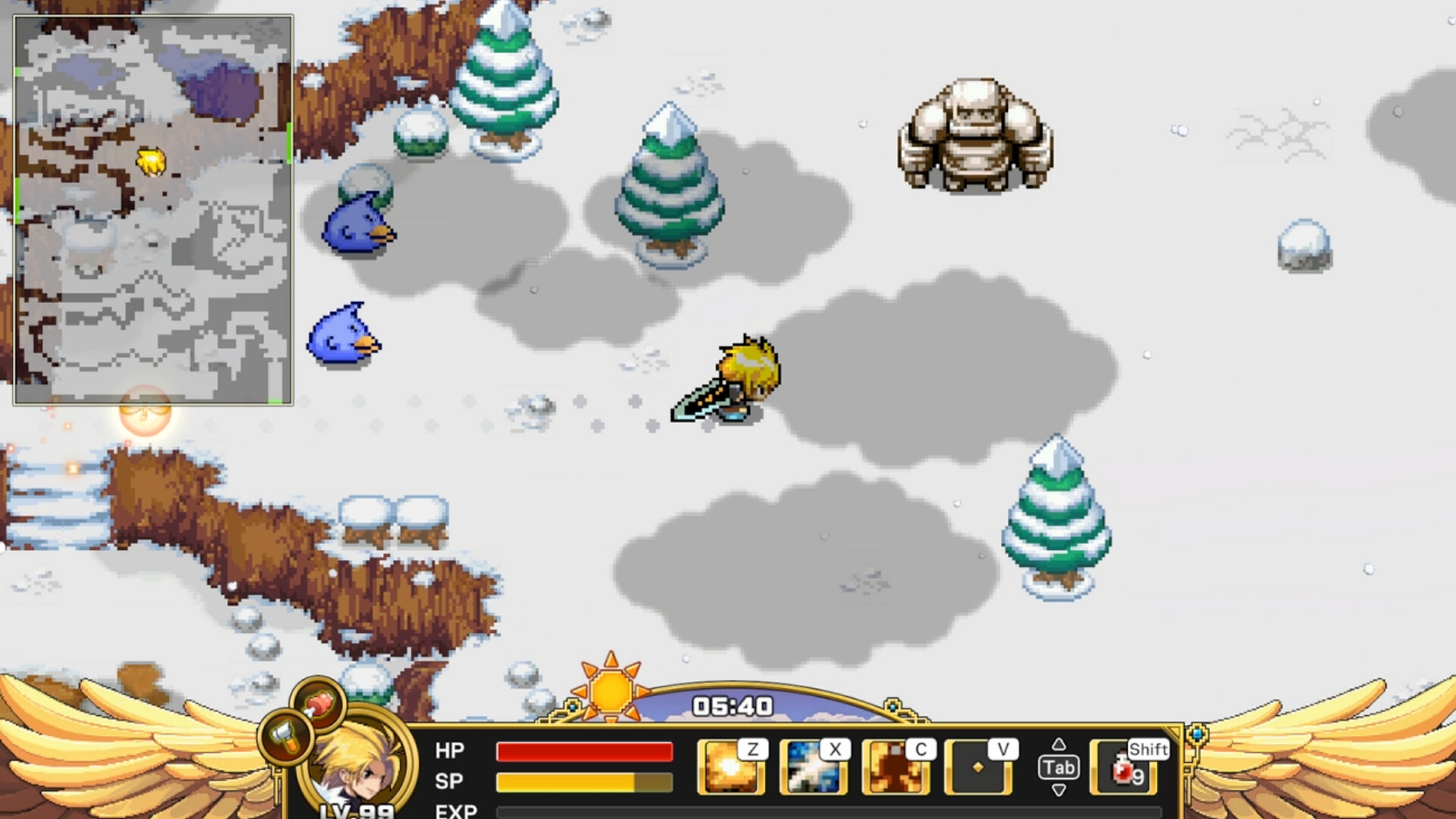
Step 3 visual reference: live exploration after character setup. Read current on-screen prompts before committing points or leaving a prepared route. Image source: official ZENONIA 1 Steam media, localized September 6, 2026.
2026 PC version notes
This guide covers Steam App 4538960, released for Windows on August 31, 2026. Com2uS describes it as the first adventure in the series restored for PC, and the Steam page identifies it as a single-player action RPG. It is not a guide to a later MMO, a fan ROM, or an unidentified legacy mobile package.
The development team restored original-style double-tap directional dashing and its afterimage effect for the full release. It also reported changes to input response, damage numbers, hit effects, target indicators, detailed audio settings, and interface readability. These details matter when older footage appears different: the current PC presentation includes restoration work beyond simply placing the old build in a new storefront.
If you played the June Steam Next Fest demo, begin the retail game with a new save. The official demo notice states that demo save data does not transfer into the full release. The demo covered only the opening portion, while the released game contains the complete story, so demo-specific progress boundaries should not be treated as retail limits.
Controls, saving, and readable combat
Keyboard and controller play are both officially supported. Full controller support is listed on Steam, and the developer interview discusses refinements made after demo feedback. Because the collected official material does not provide a stable complete key map, this page does not invent button-by-button instructions; open the in-game control guidance for the active device and verify bindings there.
Quick save is part of the refined PC experience, and the Steam description says players can save anytime. Use saving as a preparation habit before a dungeon, a long shopping decision, or a story section. That advice does not claim that every animation or dialogue can be interrupted, only that the current release offers a flexible save feature.
Readability changes are equally practical. Damage numbers, stronger hit effects, target indicators, and equipment comparisons were among the systems discussed by the developers. When a fight feels unclear, slow down long enough to identify the target and read the item comparison rather than assuming an older guide’s interface is identical.
Image source: official ZENONIA 1 media on Steam, localized September 6, 2026.
Hunger, weight, gear, and preparation
The official store lists hunger and weight systems among the restored RPG mechanics. That means preparation is part of travel: watch the indicators presented by the game, review what you are carrying, and avoid treating inventory capacity as unlimited. The available source does not publish every threshold or penalty, so exact breakpoints remain TBD until they can be verified in the released build or an official guide.
Gear is a customization layer, not proof of a single solved build. The team added clearer equipment comparison, batch equipment repair, and improved shop controls, giving players better information for routine decisions. Compare the visible result, repair what your route requires, and keep room for useful drops instead of relying on unattributed lists.
Item identification may affect how you evaluate certain finds, but the exact relationship between “item identifier” and “Identification Scroll” is not yet supported strongly enough to state as a complete procedure. Use the dedicated item identification page for the current evidence boundary and pending fields.
Skill tree basics
The official Steam copy confirms character customization through stats and gear, while collected official developer notes confirm broader UI and control improvements. They do not provide a complete current skill-tree table, unlock schedule, reset rule, or verified best order. For that reason, skill names, point costs, prerequisites, and respec claims remain TBD on this site.
A safe evidence-led approach is to read the effect text visible in your current build, spend only after understanding the immediate benefit, and save before irreversible-looking choices. This is workflow advice rather than a claim that a choice is permanently locked. Detailed skill tables will be added only when each row can be tied to the 2026 version and a dated source.
Stat allocation basics
ZENONIA 1 lets you customize stats, but the official store does not designate a universal optimum. “Best stats” depends on the selected class, gear, and what the player is trying to improve. Begin with the official class identity, read the current stat descriptions in the game, and do not import a numerical spread from an older release without verifying it against the PC restoration.
Warrior, Paladin, and Assassin each have dedicated pages that preserve this distinction. Those pages will show versioned numbers only when the values are supported; otherwise their tables say TBD. The class overview can help you choose a direction without presenting editorial fit advice as an official tier list.
Official release video
This official Com2uS Holdings short announces the Steam release. It is included as release media and does not serve as evidence for any unshown build numbers, button mapping, or quest solution.